How to post a listing
From the photo to the deal in a few minutes, on your phone or computer. No commission, no paid listings.
-
Create an account
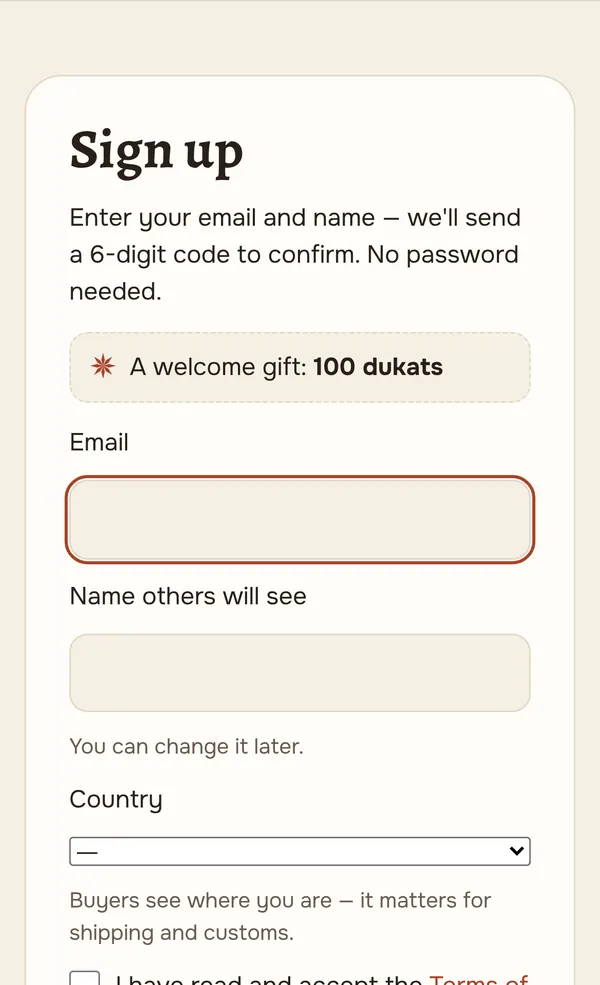
Enter your e-mail and the name buyers will see. There is no password: a six-digit code arrives by e-mail, you type it in, and the account is ready.
No code? Check “Promotions” or “Spam”; you can request a new code after a minute.
-
Photos, title, description
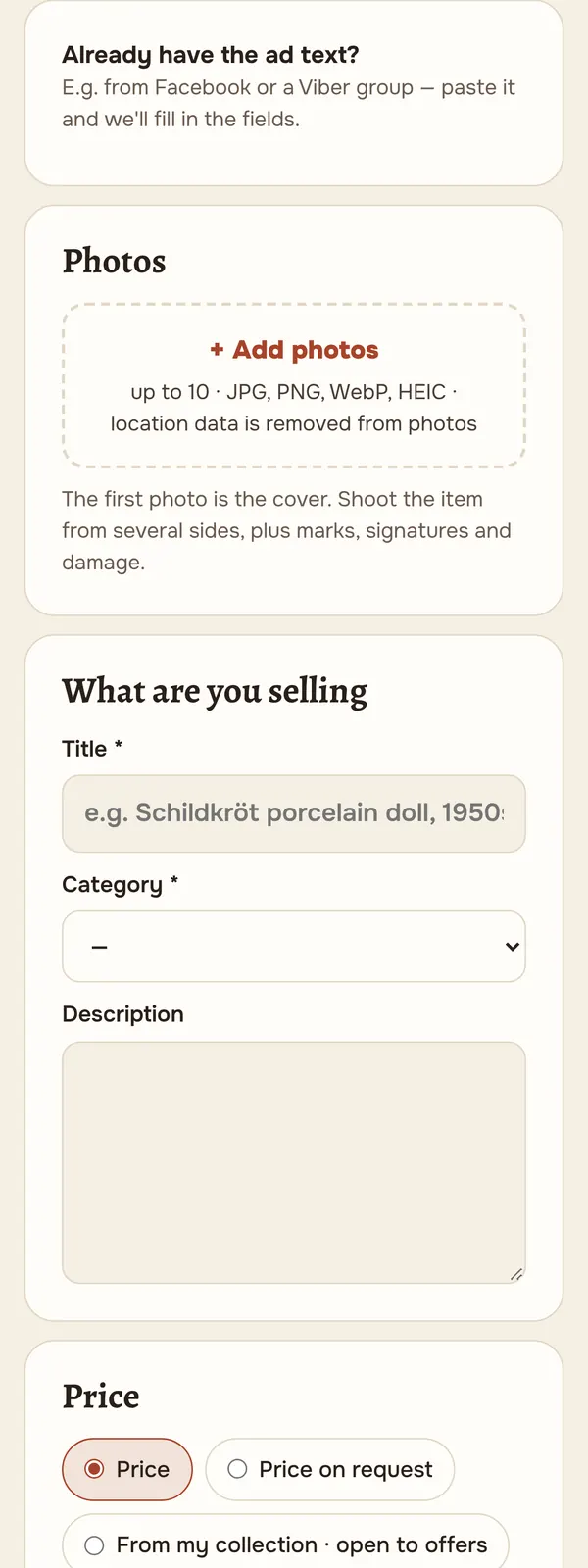
Up to 10 photos; the first is the cover. Shoot in daylight and show maker's marks, labels and damage — that's what buyers care about most. On a phone you can take photos straight from the form; we strip location and other hidden data from the photos.
In the title, say what it is and where it's from (e.g. “Furga doll, Italy, 1960s”). In the description: condition, size, repairs and restoration; label replicas clearly.
-
Price — five ways
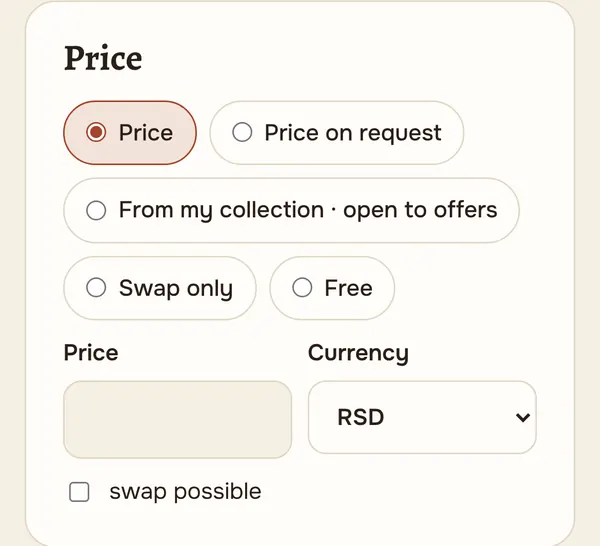
A fixed price in dinars or euros; “price on request”; “from my collection — open to offers” (not for sale at a set price, but you'll consider offers); “swap only”; “free”. If you also accept swaps, tick “swap possible” — buyers can then offer something of theirs.
-
Publish and keep track
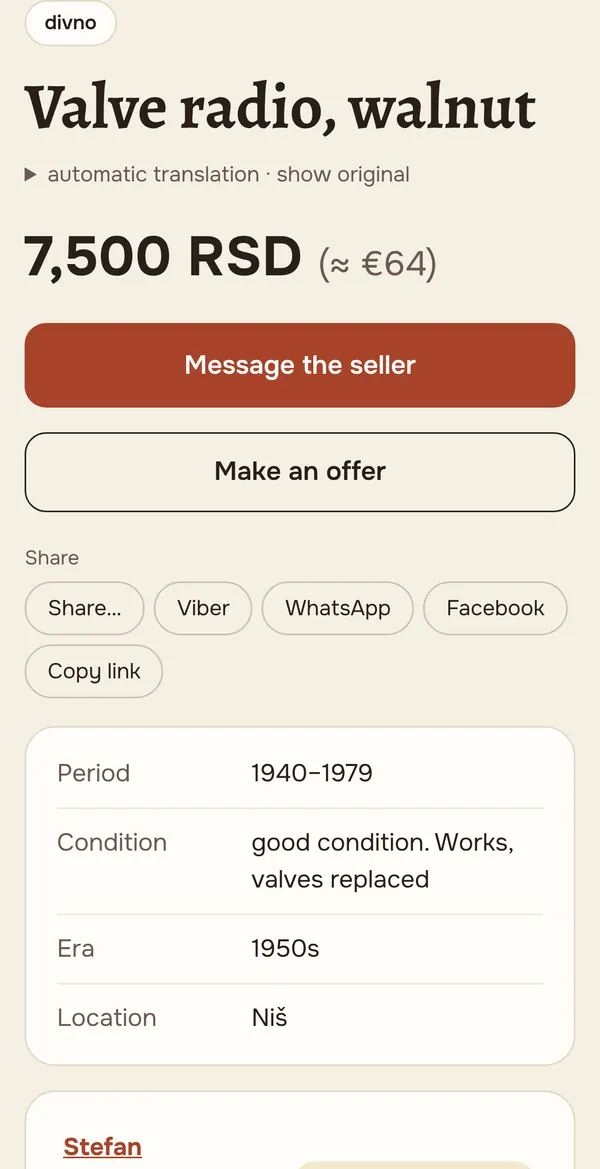
The listing goes live at once. In “My listings” you can edit it, hide it or mark it as sold. Buyers' questions in comments and messages trigger a notification on the site and by e-mail (you can turn the e-mails off).
-
Telegram: link your account
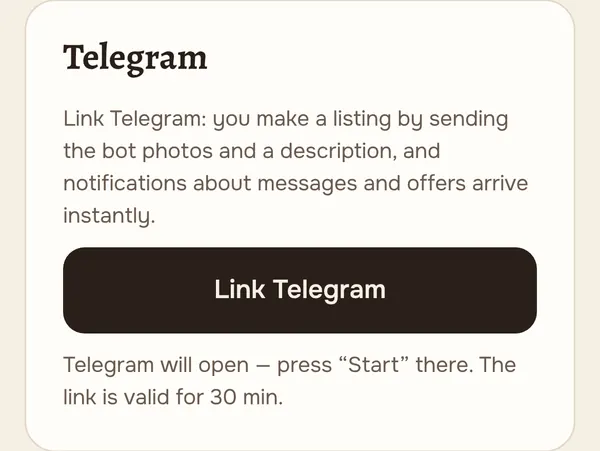
Use Telegram? You can make a listing from there too — just send photos to the bot @divno_rs_bot. First link your account: “My account” → “Telegram” → “Link Telegram”. Telegram opens — press “Start” and the bot replies that your account is linked.
The link is valid for 30 min. Unlink in “My account” or with the /stop command in the bot; /help reminds you how to make a listing.
-
Send photos and a description
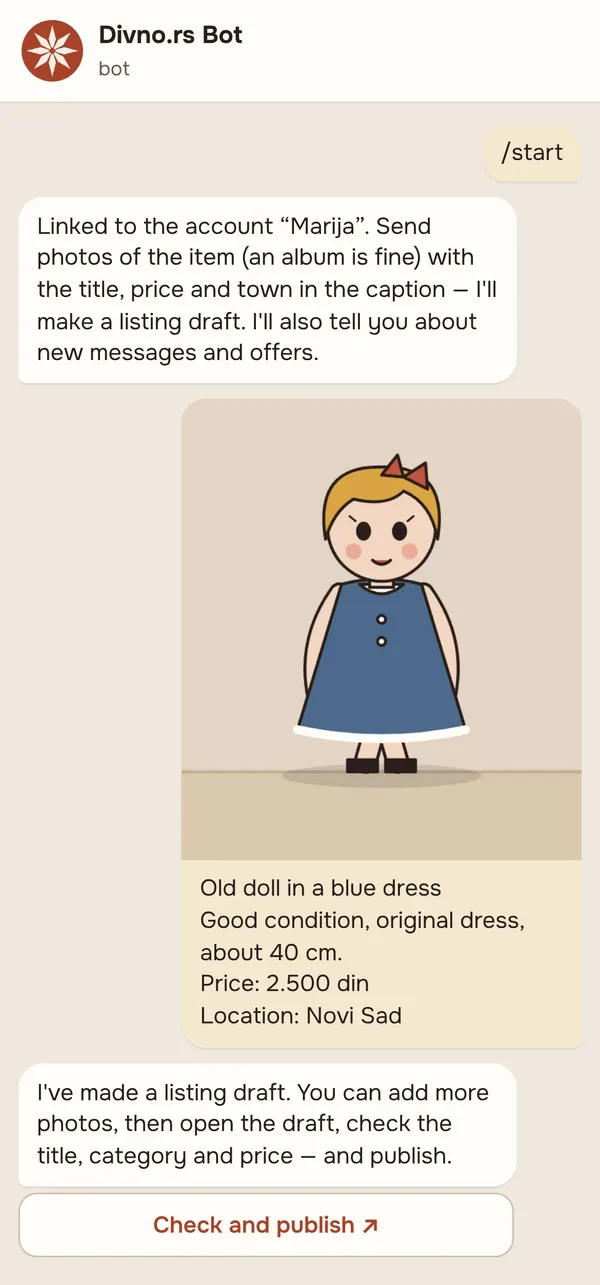
Send the bot photos of the item — one or an album, up to 10. In the caption: the title on the first line, then condition and details, the price (e.g. “2.500 din” or “20 €”) and the town (“Location: Novi Sad”). A ready-made post from a Facebook group or Viber works too — just copy it.
The bot replies at once that it has made a draft. Forgot a photo? Send it within 10 min — it goes into the same draft. Text without a photo in that time fills the draft's empty fields. Send more than 10 photos and the first 10 go into the listing.
-
Check and publish
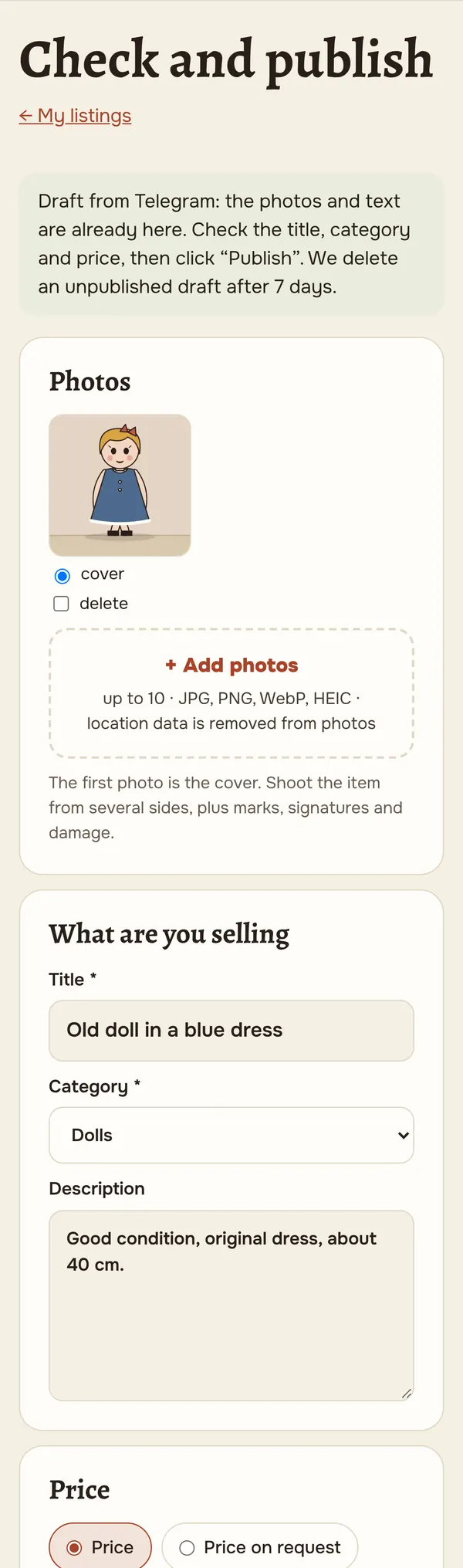
Tap “Check and publish” under the bot's message — a form on the site opens with your photos and text. The bot has tried to guess the title, category and price: check them, add what's missing and click “Publish”. Until you publish, nobody sees the draft; we delete an unpublished draft after 7 days.
The bot also tells you about new messages, offers and deals — instantly, in Telegram. Those notifications then don't also come by e-mail; change this in “My account” → “Telegram”.
-
Not sure what it is? Ask the experts
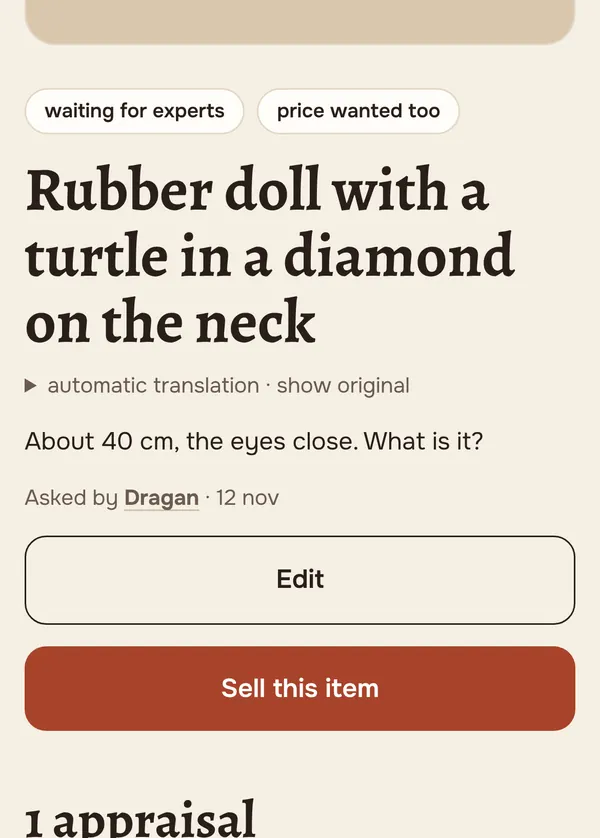
In “What is it?” post a photo — experts tell you what it is, where it's from and roughly what it's worth. Once you have an appraisal, the “Sell this item” button fills in the listing for you: the title from the appraisal, your photos and description, and a price in the middle of the estimate. The listing links back to the appraisal.
-
The deal and payment
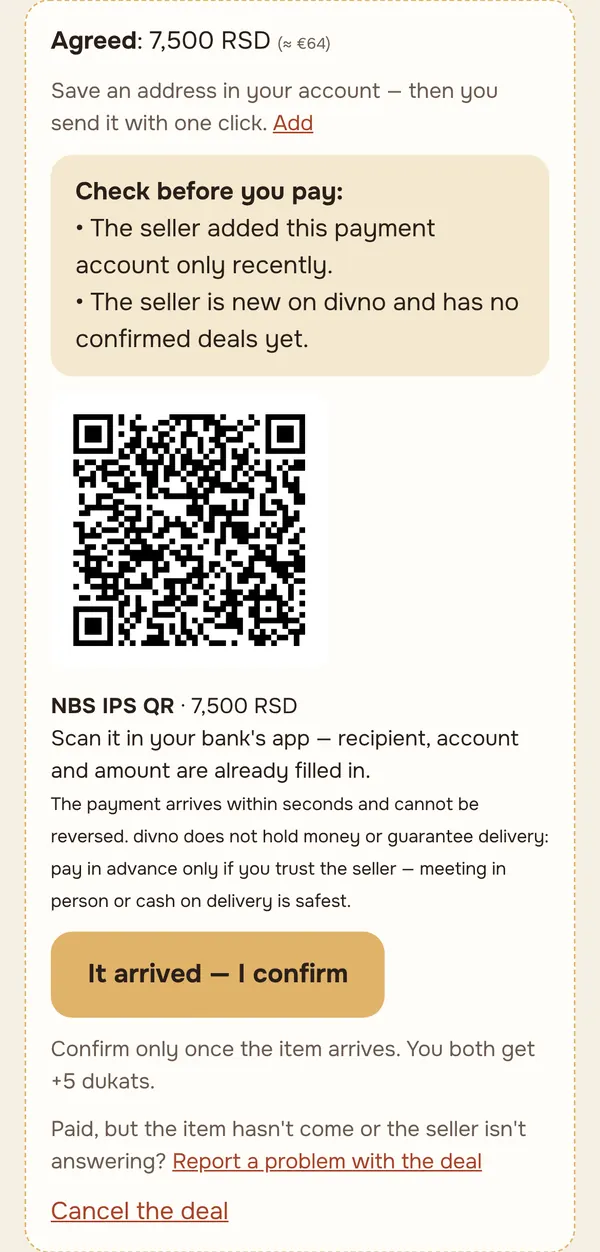
Once you agree in messages, the seller clicks “Agreed” and enters the price. Then one click sends the payment details (for a dinar account the buyer also gets an NBS IPS QR code for mobile banking) and the shipping address. When the item arrives, the buyer confirms — and you both earn dukats and trust.
Meeting in person or cash on delivery is safest. An IPS payment can't be reversed — pay in advance only if you trust the seller.
-
Instagram, Telegram channel, website
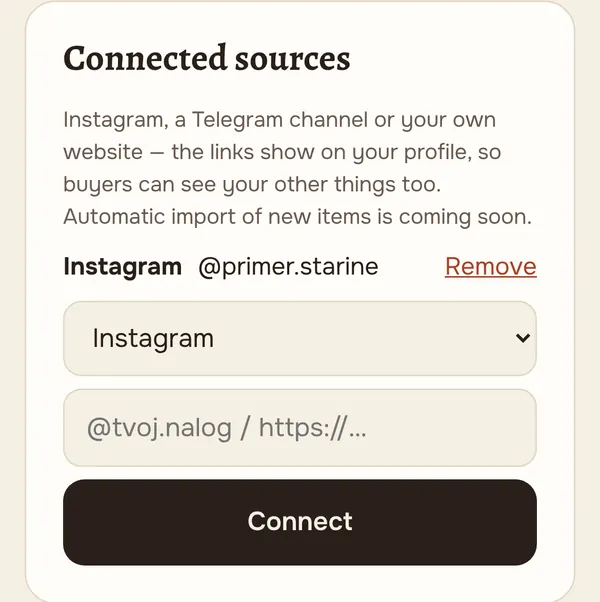
In “My account” → “Connected sources”, add your Instagram, Telegram channel or website. The links show on your profile, so buyers can see your other things too.
Coming soon: new items from a connected channel or website will appear on divno automatically.
-
What isn't allowed
Weapons (including bladed ones), ammunition, food and medicines, live animals, archaeological finds, stolen goods, forgeries and copies of decorations of the Republic of Serbia. Phone numbers and links in public comments are hidden automatically — use messages to make a deal. We remove listings that break the rules or the law.
Something not working or unclear? Write to us — the site is new and every remark helps. Write to us →